
TEAM CREATED TOOL
MLS Photo Fixer
Give your listing photos
a better first impression.
Improve lighting, clean up distractions, or explore virtual staging using a photo you already have.
Open MLS Photo FixerOpens in a new tab. Keep this guide handy.
First time? See the four steps below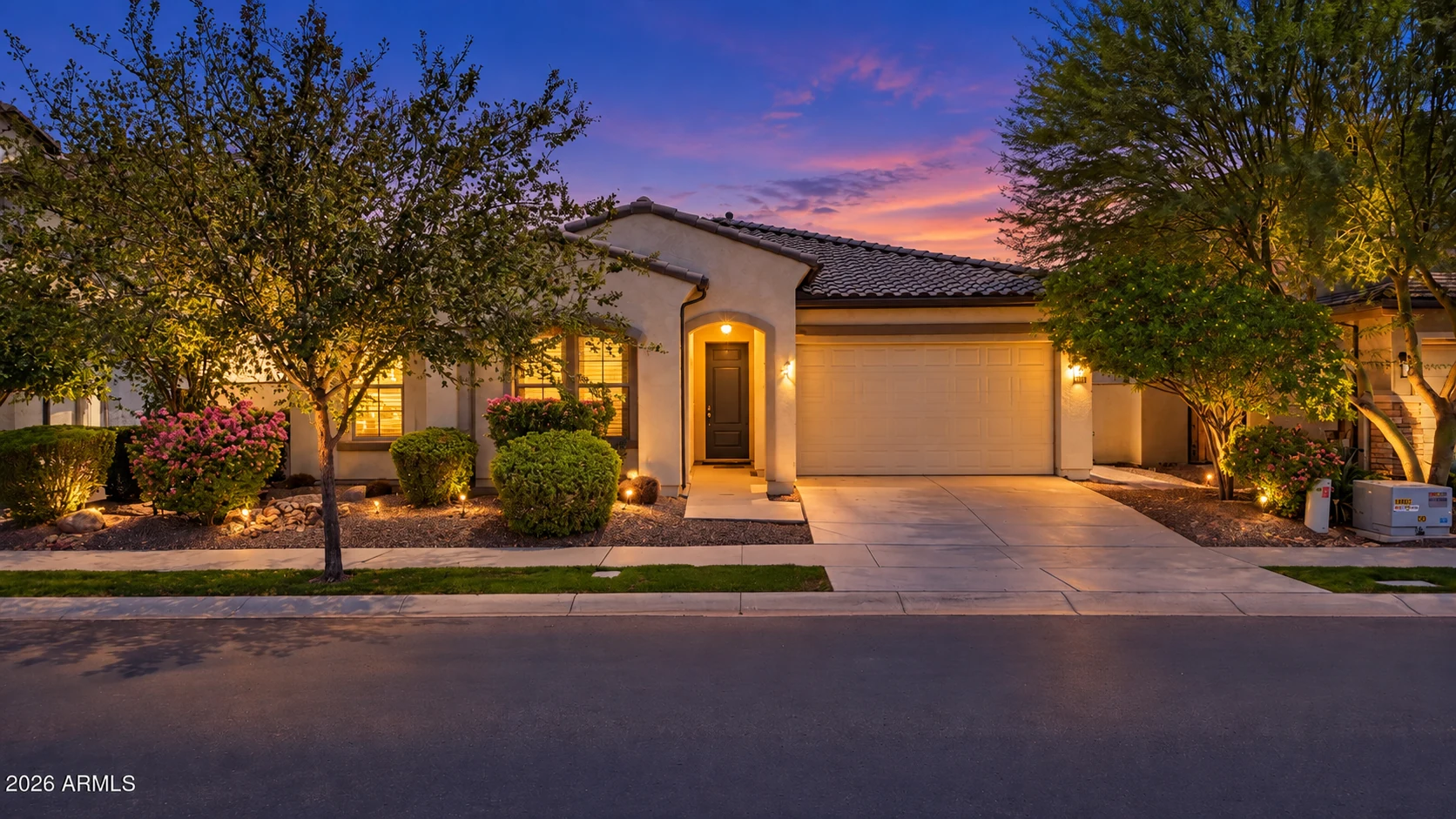
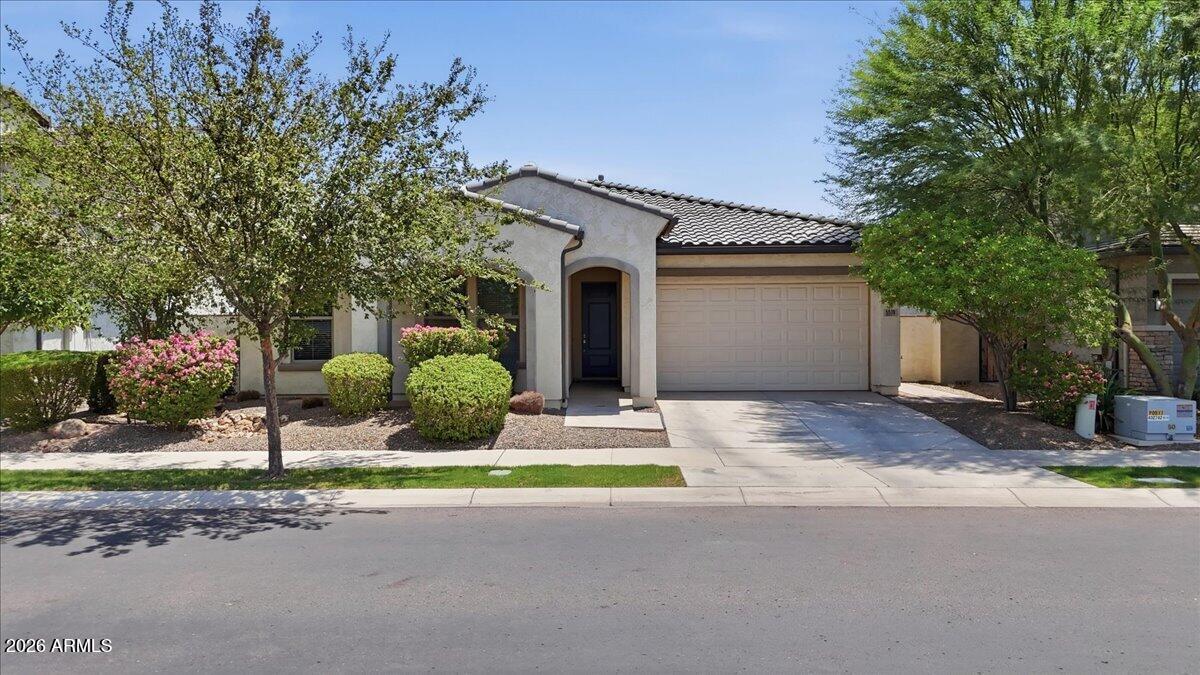 Original
Twilight
Why we created it
We created MLS Photo Fixer to give our agents a simple way to improve listing photos without learning a complicated editing program. Start with a good photo, choose the improvement you need, and review the result before you use it.
YOUR FIRST PHOTO
Four steps from upload to download
Upload one photo
Choose a clear JPG, PNG, or WebP file up to 20 MB. Use a photo you have permission to edit.
Choose your enhancement
Pick the edit you want. For Clean Up, select what to remove. For Virtual Staging, choose a room type and optionally describe the look.
Start the edit
Check the photo permission box, then select the create or edit button. Keep the tool's tab open while it processes.
Review and save
Compare the result with your original. Check the property details, then select Download JPEG and save it to your device.
BEFORE YOU BEGIN
What to expect
Allow a few minutes
The tool estimates 1 to 3 minutes per photo. Some take longer. Watch the progress message instead of submitting again.
The allowance is shared
Check Team allowance in the tool for today's remaining attempts. It resets at midnight Arizona time. Accepted attempts count even if processing fails.
Your review matters
AI can change unintended details. Check windows, doors, surfaces, and other property features against the original. Virtual Staging is in beta and needs a careful review.
Before sharing: Identify virtually staged images and follow your brokerage and MLS photo requirements. Keep the original photo.
PUT IT TO WORK
Start with one listing photo.
Choose one improvement and see what you think.
Opens in a new tab