
TEAM CREATED TOOL · VALLEY GUIDES
PDF Guide Creator
Helpful real estate guides.
Personalized for you.
Choose an Arizona real estate guide, add your photo and contact details, and download a PDF you can share with clients and prospects.
Open PDF Guide CreatorOpens Valley Guides in a new tab.
First time? See the four steps below
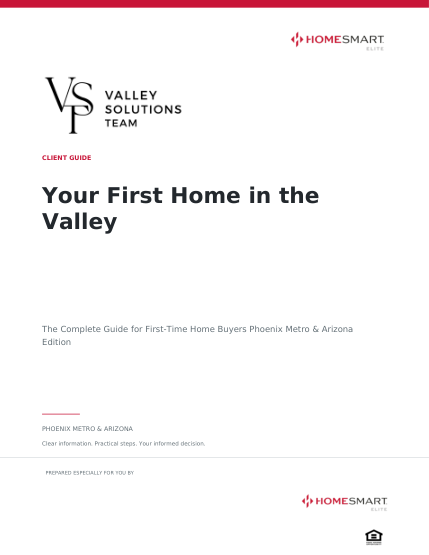
Why we created it
We created Valley Guides to help you share useful real estate information under your own name without writing and designing every guide from scratch. Use a guide to answer a client's question, prepare for an appointment, or start a helpful follow-up.
YOUR FIRST PERSONALIZED GUIDE
Four steps to a PDF you can share
Save your agent profile
Open My agent profile and sign in with the code sent to your email. Add your name, phone, and email. Include a photo and introduction if you like, then select Save my profile.
Choose a guide and edition
Search the library or browse a category. Select Personalize guide, then choose Full guide or Quick Start.
Create and review your PDF
Select Create my branded PDF. When it is ready, review the preview and check your photo, contact details, and introduction.
Download and share
Select Download my PDF before closing the guide. Save the file to your device, then email it, print it, or use it in a client conversation.
BEFORE YOU BEGIN
What to expect
Simple email sign-in
You can browse before signing in. Personalization uses a six-digit email code, with no password needed. Use the same email to access your saved profile on another device.
Your saved details are used
Save profile changes before creating a new PDF. Your details fill the guide's reserved branding areas, while the prepared guide content stays in place.
Check the finished guide
Review the guide's edition and dates, along with your personal details, before sharing. If the inline preview does not load, you can still download the PDF and review it.
Need an idea for using it? The tool's Strategy playbooks include campaign graphics and sample messages to help you start conversations around a guide.
PUT IT TO WORK
Start with a question a client asked.
Find a relevant guide and make it your own.
Opens Valley Guides in a new tab